🔔 Enable or Disable Notifications
Last updated About 1 year ago
Whether you want daily reminders to keep you motivated or need some quiet time, here’s exactly how to turn SweatScore notifications on or off.
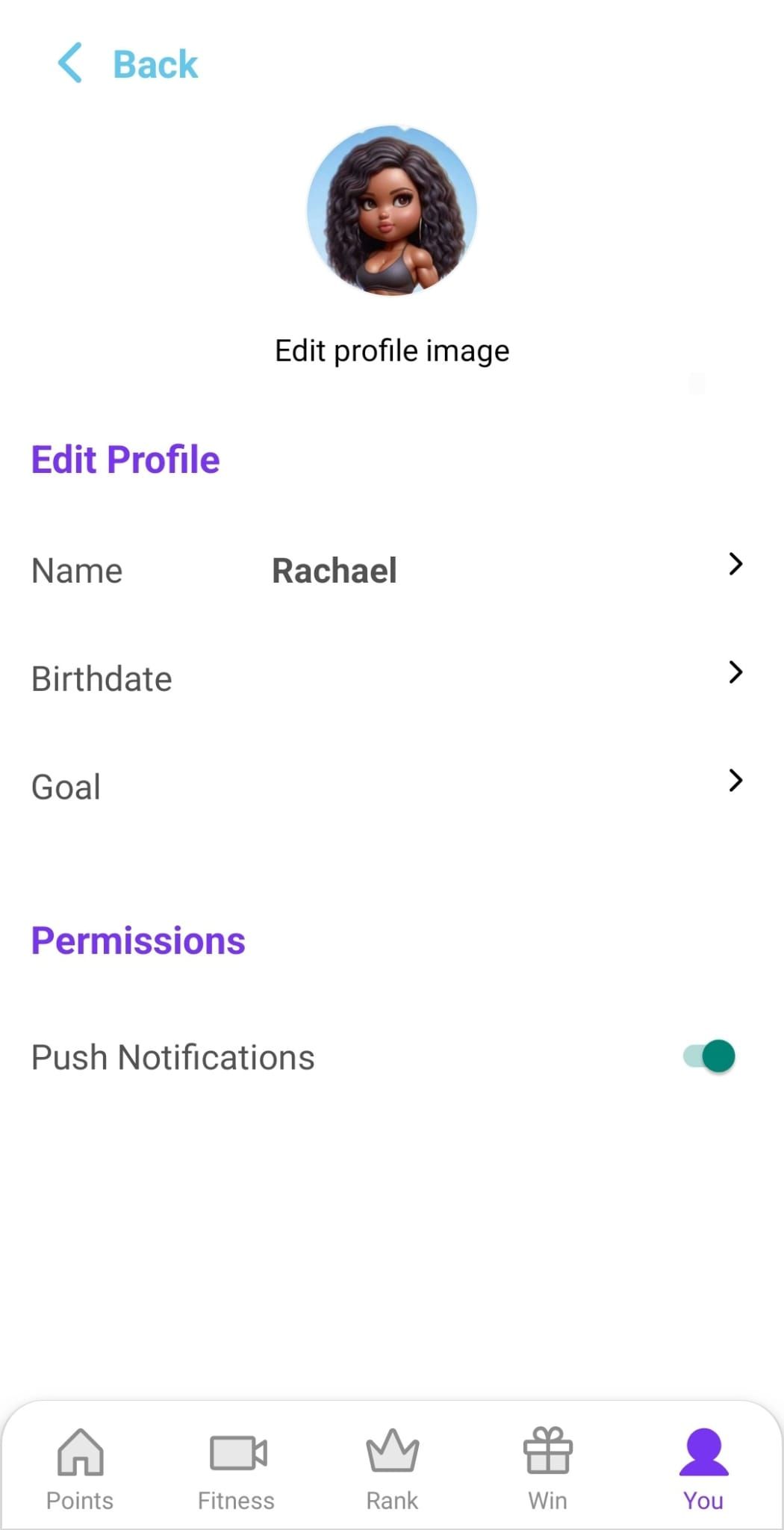
🔍 How to manage your notifications
Open the SweatScore app.
Go to your Profile.
Permissions.
Find Notifications in the list.
Toggle notifications ON or OFF as you prefer.
⚠️ Why can’t I see notifications?
If you’ve disabled notifications in your phone’s general settings, you’ll need to re-enable them there to receive SweatScore notifications.
For iPhone:
Open your phone’s Settings.
Scroll down and tap SweatScore.
Tap Notifications.
Toggle Allow Notifications ON.
For Android:
Open your phone’s Settings.
Tap Apps.
Find and tap SweatScore.
Tap Notifications.
Toggle notifications ON.
💡 Why keep notifications on?
✅ Get daily check-in reminders to keep your streak alive
✅ Stay updated on challenges, rewards, and leaderboard updates
✅ Never miss a chance to celebrate your consistency
Notifications are here to support your glow-up journey, not overwhelm you. You’re always in control of what you see and when.
Still need help? Ask the team