🔑 How to Login
Last updated Over 1 year ago
Logging in to SweatScore is quick and easy. No passwords to remember, no hassle. Here’s exactly how it works.
✨ 1. Enter your email
Open the SweatScore app.
On the login screen, enter the email address you used to sign up.
🔄 2. Check your inbox for a one-time passcode
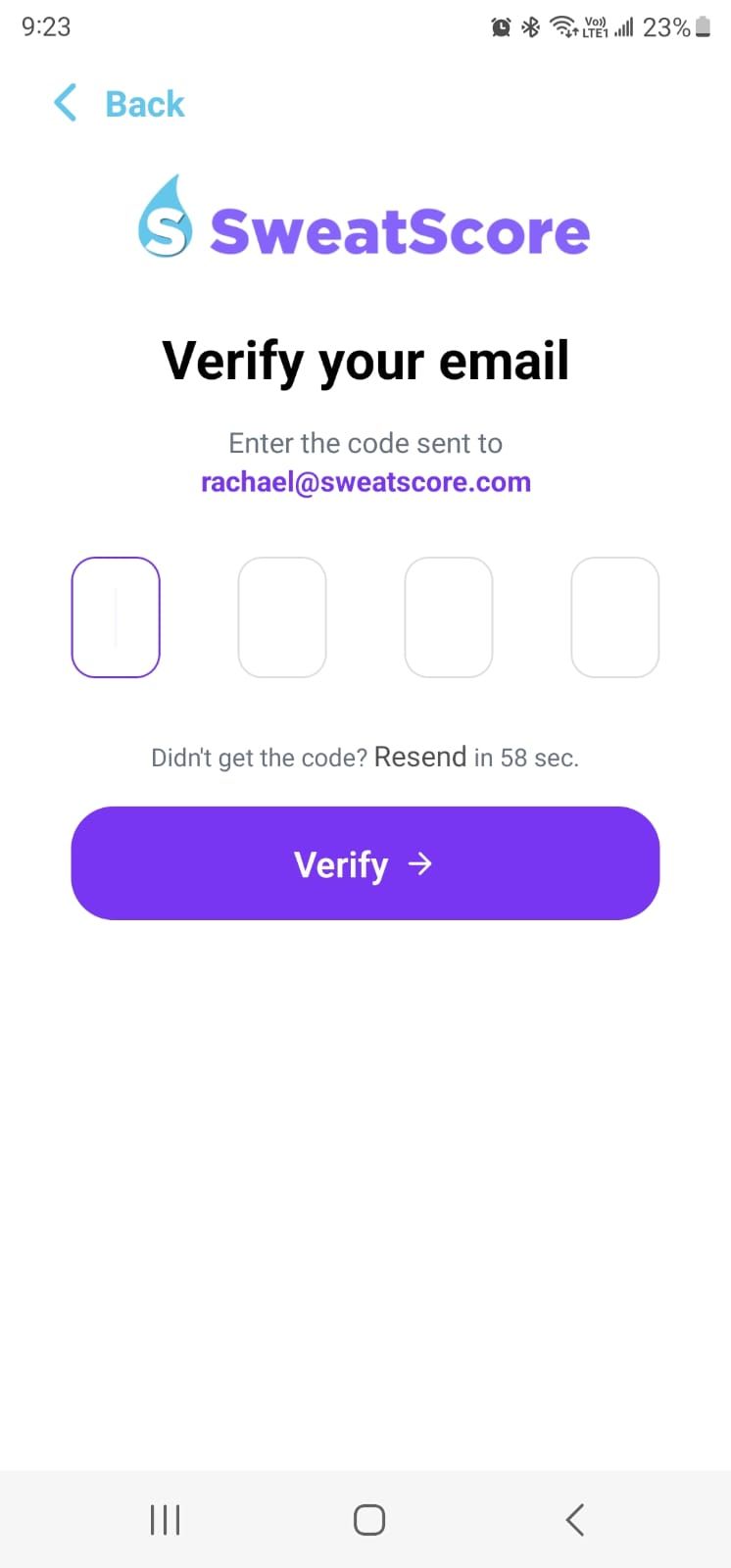
We’ll send you a 4-digit passcode to your email.
Check your inbox, spam, or promotions folder if you don’t see it within a minute.
✅ 3. Enter your passcode
Return to the app.
Enter the 4-digit passcode in the field provided.
Tap Continue to log in.
💡 Why no passwords?
Using a one-time passcode keeps your account secure and simple – no more remembering (or resetting) passwords every time you log in.
💛 Still having issues?
If your code isn’t working:
Make sure you’re entering the latest code (each new login request generates a fresh one).
Check you’re entering the correct email address linked to your account.
Wait a minute and request a new code if needed.
If it’s still not working:
Use the chat feature below or email us at hello@sweatscore.com with the subject “Login issue”.
Include:
Your email address
A screenshot of the error (if any)
We’ll help you get in and back to earning points in no time.
Still need help? Ask the team